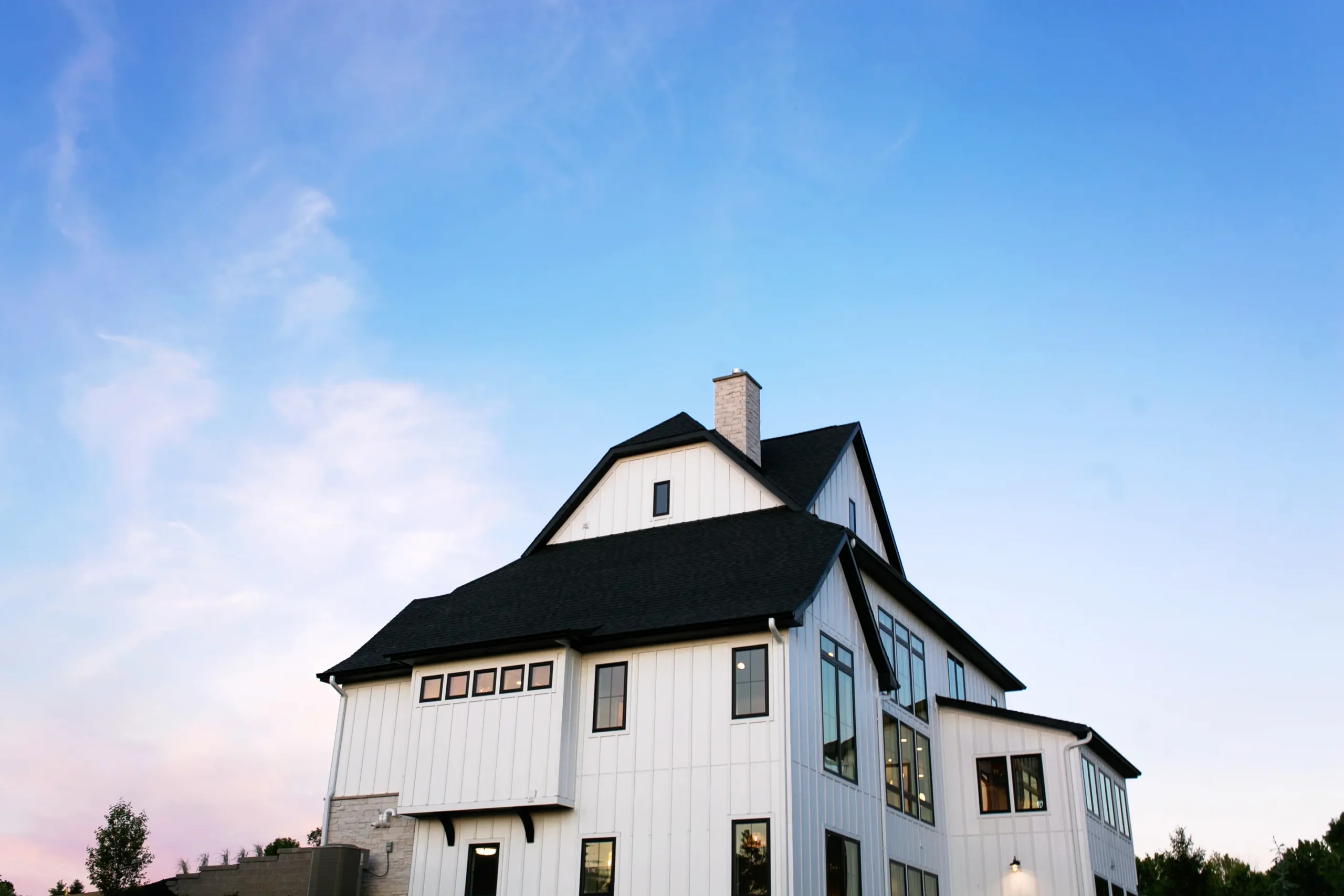
Fix tilted walls and converging verticals automatically. Your interiors look architecturally accurate.
AI Event Photo Culling Software
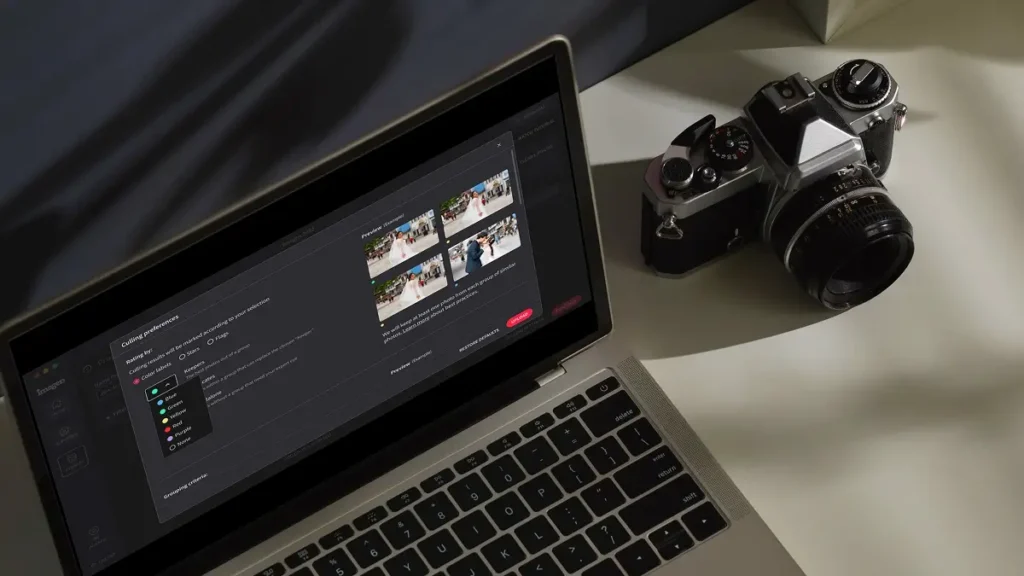
As an event or corporate photographer, you’ll turn a 1,000-photo event around in hours, not days. We handle the culling so you don’t have to.
Compatible with:
- No credit card required.





Every edit your listings need, handled automatically
Perspective correction
Straighten
Fix tilted walls and perspective distortion instantly. Ensure every house looks architecturally accurate with precise perspective correction tools.
HDR merge
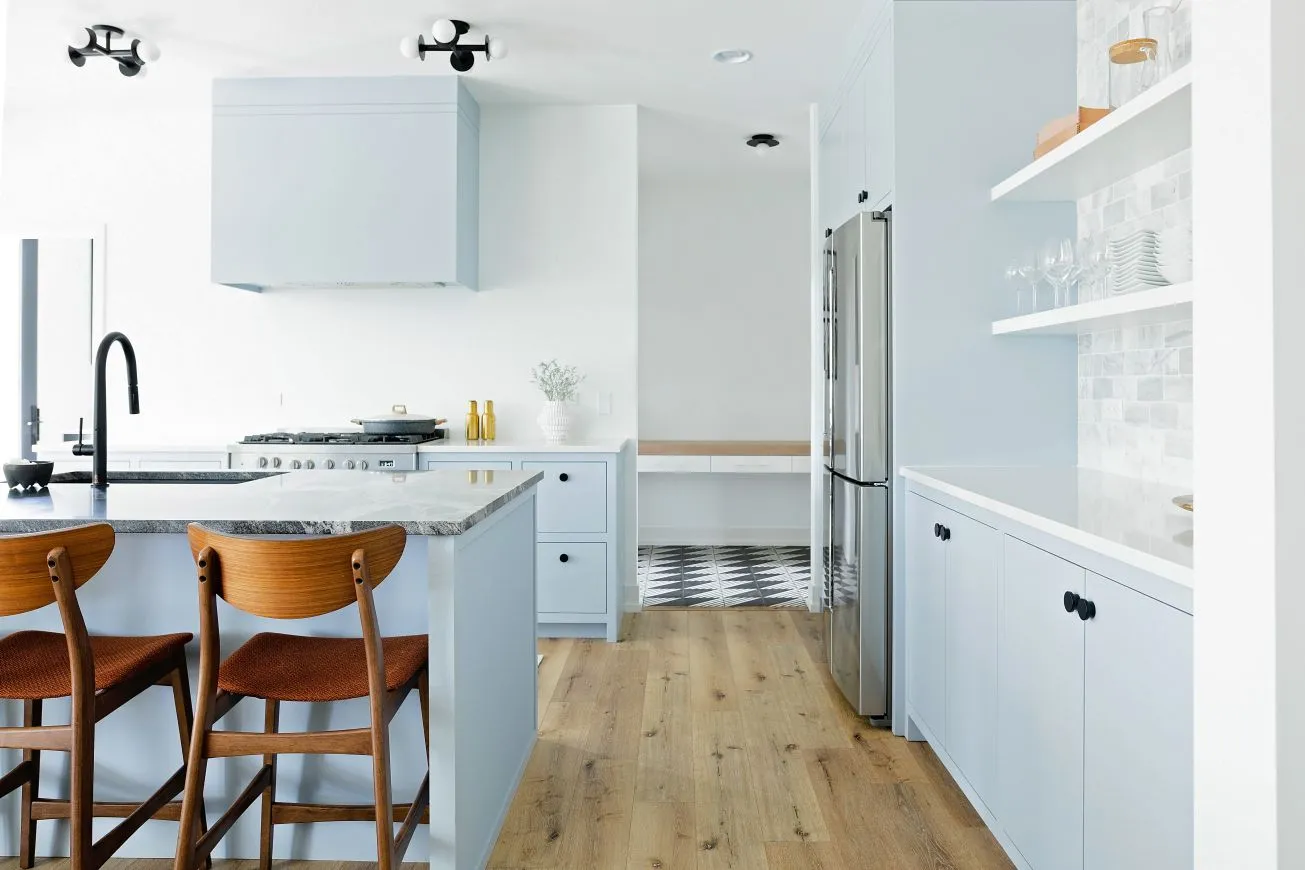
Create balanced interiors from multiple exposures. Our HDR blending merges
windows and shadows perfectly, so you get professional results without manual masking.
Culling Studio
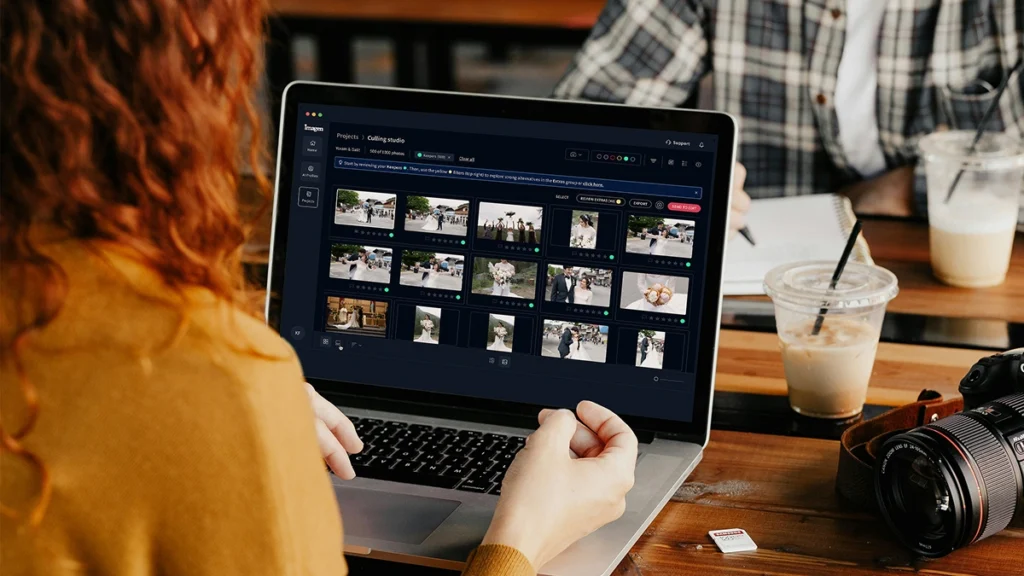
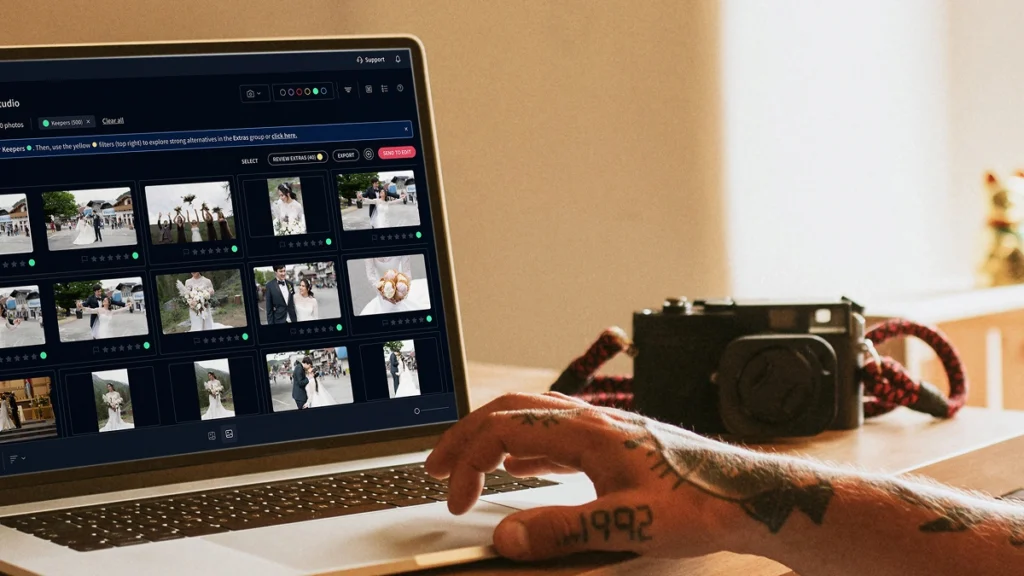
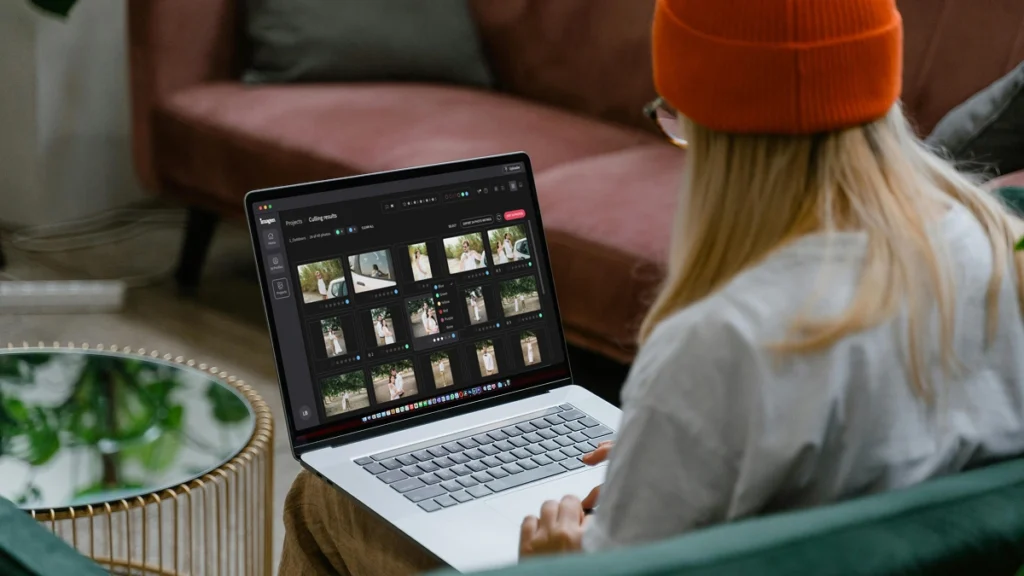
Sort through thousands of photos in minutes. Selects the best shots – cutting culling time by up to 75%.
Reviews from those who know best.
The term ‘game changer’ gets thrown out a lot, but for any busy photographer, this software will change your life.

Michael Antony
Michael Antony Photography, USA
My survival is due to Imagen… I would MARVEL at how little I had to adjust.

Charmi Patel Peña
Wedding Photographer, USA
Discovering Imagen has been like someone inventing toilet paper. Simply essential and now life is unthinkable without it. I now know that those years of editing backlogs are a thing of the past. I’m truly grateful.

Sarah Edmunds
Portrait & Wedding Photographer, Italy
Table your doubts and embrace a modern and efficient workflow enabled by AI. Imagen creates a stunningly consistent starting point across your entire collection of images, which allows you to immediately start on the more nuanced aspects of your edits

Sam Hurd
Sam Hurd Photography, USA
Fck me, Imagen has helped me so much with my editing process. Viva Imagen!

Fer Juaristi
Fer Juaristi Photography, Mexico
Thanks to Imagen, I can actually enjoy editing… I have recovered hundreds of hours back.

Daniel Alonso
People TrueLove Tellers, Spain
Imagen cuts editing time by up to 96%
Stop spending countless hours on repetitive editing tasks.
Focus on what matters most: your creativity and your clients.
96% Faster editing
Cut your post-production time dramatically with AI-powered automation.
Instant color correction
Apply consistent edits across hundreds of photos in seconds, not hours.
Automated culling
Let AI identify and remove blurry shots, duplicates, and closed eyes automatically.
Batch processing
Edit entire events shoots or portrait sessions while you focus on your next creative work.
Next-morning delivery
Deliver 1,000 photos in hours
You don’t have to stay up late. Our AI event photo culling software processes 1,000 images overnight. You wake up to a curated gallery ready for your corporate clients by 9 AM.
Consistent team style
Match styles across your team
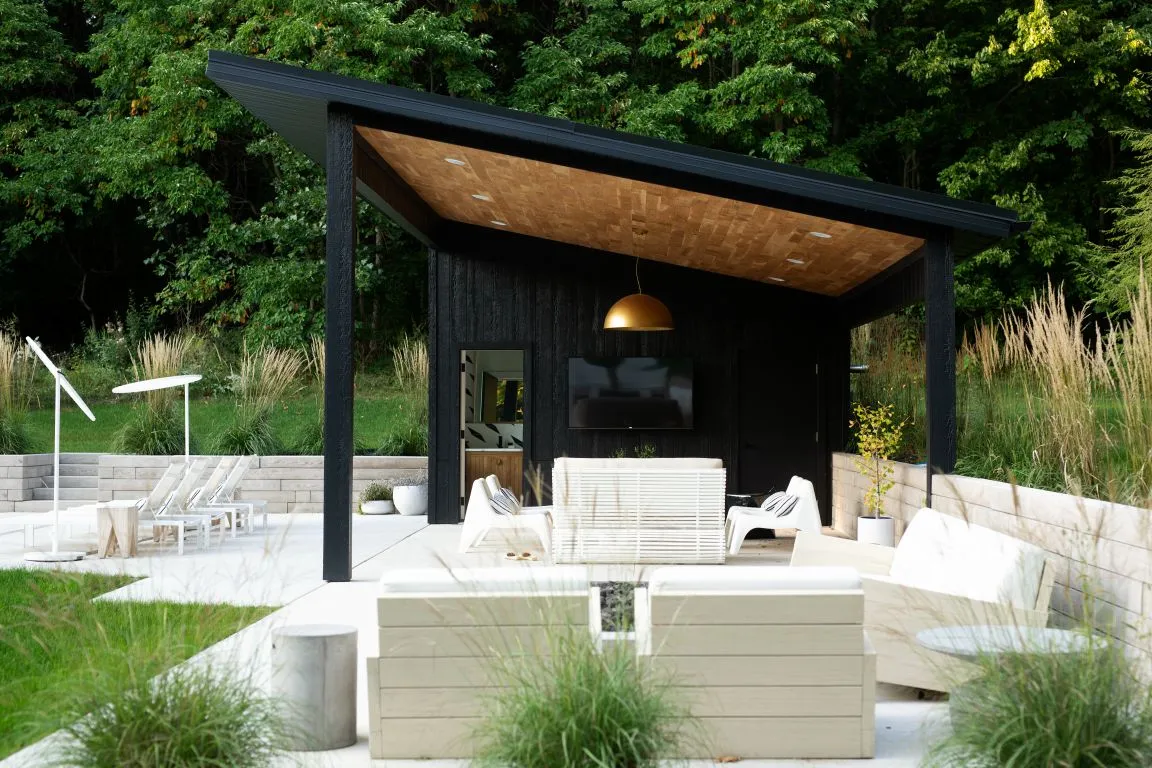
When you hire several photographers for a large conference, the final gallery won’t look disconnected. We use your Personal AI Profile to match your exact style across every single photo.
Imagen’s AI Editing and Retouching Tools
AI detects subjects and composition to crop and straighten your photos automatically. Review and adjust every result.
...Automatically combine 3–9 bracketed exposures into one perfectly balanced photo using an AI HDR photo merge tool that handles indoor...
Smooth Skin detects skin in each photo and improves tones automatically, so every portrait looks polished without manual retouching.
...Object Removal automatically detects and removes exit signs, fire alarms, fire extinguishers, and fire stickers from your photos — across...
Edit thousands of photos in your style automatically. Imagen’s AI learns your editing preferences and applies them consistently across entire...
Whiten Teeth detects and brightens teeth in each photo automatically, so every smile looks its best without manual retouching.
...Automatically fix distorted lines and tilted horizons using an AI image perspective correction tool that analyzes each photo, with full...
Automatically crop hundreds of portrait photos to a consistent frame using an AI portrait crop tool that detects each subject...
Automatically crop headshots with an AI headshot photo cropper that detects every subject and frames each shot consistently, with full...
Automatically mask the background in every photo and adjust exposure, color, and texture independently — with full control to review...
Automatically remove grain and noise from your photos using an AI-powered tool that preserves detail, texture, and your natural editing...
Automatically extract subjects from any photo using an AI-powered background remover that keeps edges clean, detail sharp, and every result...
Balance bright windows with indoor subjects using an AI-powered tool that detects overexposed areas and pulls back highlights, with full...
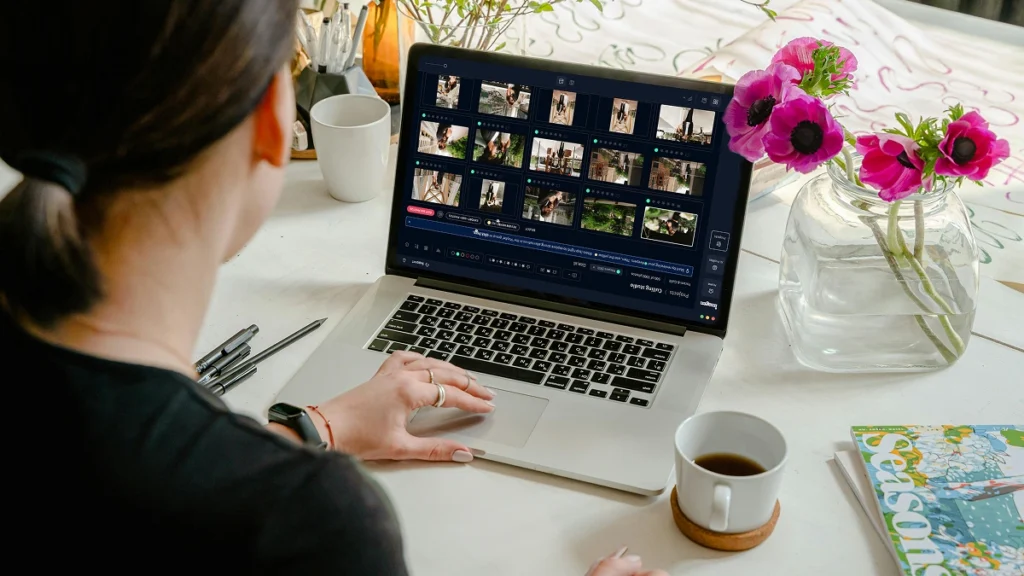
Export final JPEGs straight from Imagen to Pic-Time galleries or your local folder. Complete your entire workflow from camera to...
Imagen’s AI culling groups similar shots and keeps only the best. Duplicate Removal happens automatically, so you review fewer photos...
Imagen’s AI analyzes every face in your photos and detects closed eyes automatically. Blink Detection flags the issue so you...
Imagen’s AI Subject Masking detects the main subject in every photo and applies targeted edits to make them pop. No...
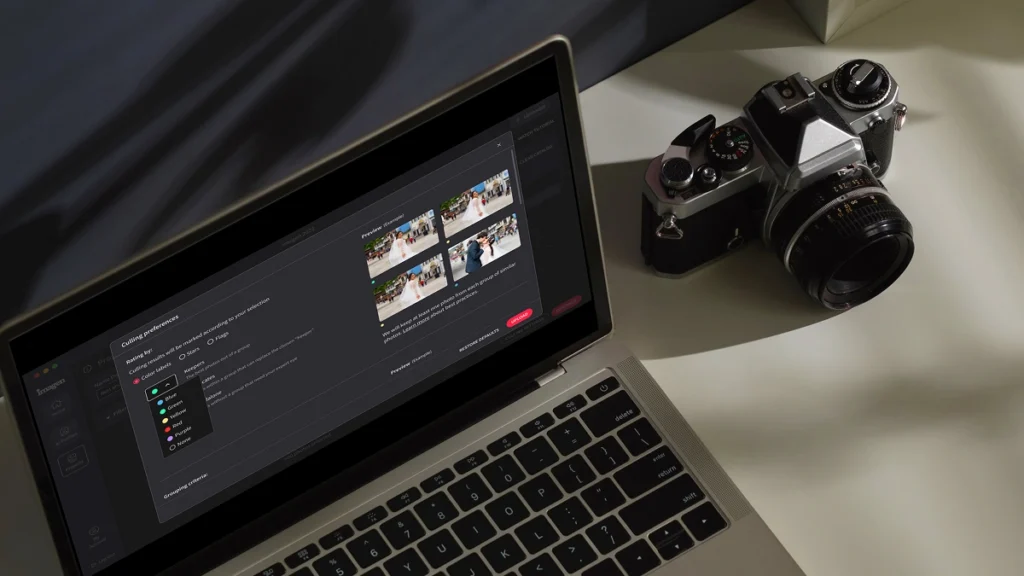
Automatically detect the sharpest photos in every set using an AI-powered Sharpness Check that analyzes focus accuracy — so you...
Automatically back up your original RAW files to secure cloud storage as you work — so your client photos are...
Store full-resolution photos at up to 75% smaller file size — so your photo storage goes 4x further, uploads faster,...
The Imagen API lets developers connect Imagen’s AI editing engine directly to any app, platform, or workflow — so your...
Scalable plans to enhance your workflow
Get started with 1,000 free edits. Edit your projects faster without sacrificing quality.
Pay-as-you-go
Pay only for what you need
Starting at
/ photo
/monthly base fee
Rolls over as editing credit
- Monthly charge based on use
- Cancel anytime
- Composition, masking, and more with AI tools. Charge per photo.
Limitless
One simple price for unlimited use
Billed annually
US$179
/ month
Yearly
Save /year
- For photographers who shoot their own work
- All editing, retouching, and AI tools included
- AI culling included
Not sure which plan? Start with Pay-as-you-go and switch later.
For Business
Speed, consistency, and scale for high-volume businesses and studios
Talk to us
Custom plan
- Discounted editing rate
- API automated workflow
- Multi computer access
- Dedicated success manager
- 24/7 priority support
Early Bird Discount
Only pay for photos you edit
No contracts, cancel anytime.
30% off first month
Pay-as-you-go
No commitment, pay for what you need.
/ photo
First month 30% off, then /photo. Applied at checkout. cancel anytime.
What you get
- Full AI editing suite for property images
- One-click AI fixes
- 3 human revisions per listing
- Up to 6K resolution output
- RAW and JPEG support
- Privacy blur for faces and license plates, property lines, branded watermark
* Prices in USD. Billed at the end of each month for that month’s edited photos.
For Teams
For teams processing 25,000+ photos/year
Custom
Volume pricing for real estate teams and high-output agencies.
What you get
Everything in the Pay-as-you-go plan plus:
- Volume discounts
- Dedicated account manager
- Priority processing
* Tailored to your workflow. Tell us your volume and we’ll build a quote.
Expert Support for Photographers 24/7
Ask us anything, connect with our customer success team.
We go beyond troubleshooting – we’re your partners in optimizing workflows and realizing your creative vision.
- No credit card required.
96%
Faster editing time
90%
Saving on editing costs
24h
Typical turnaround
Frequently asked questions
What is the typical workflow for event and corporate photographers editing?
The typical workflow for event and corporate photographers editing starts with sorting through thousands of images to find the best shots. You spend hours reviewing pictures of the venue and the guests to remove blinks, blur, and duplicates. After selecting the final images, you apply color correction and exposure adjustments to ensure a consistent look. Doing this manually takes a massive amount of time away from booking new clients. Using AI Event Photo Culling Software changes the process entirely. You upload your catalog, and the software automatically groups duplicate photos and flags the best expressions. This cuts your culling time by up to 80%. After culling, Imagen applies your Personal AI Profile to edit the remaining photos at 0.5 seconds per image. You stay in complete control of the final gallery while getting your life back. The software acts as your trusted assistant, taking care of the tedious parts of the job so you can focus on capturing the actual event. You deliver final galleries to corporate clients in days instead of weeks.
How does AI Event Photo Culling Software handle thousands of images from a single corporate conference?
Our AI Event Photo Culling Software processes massive batches of images by analyzing every technical and emotional detail in seconds. When you shoot a massive corporate event, you often walk away with over 5,000 photos. Manually reviewing every single picture of the venue and the guests takes days of your valuable time. Imagen reads your entire catalog at once and groups similar shots together. It automatically identifies the sharpest focus, the best lighting, and the most flattering expressions on the faces of the guests. You tell the software exactly what you want to keep and what you want to discard. It flags the outtakes and highlights the winners based on your specific rules. This drops your selection time by 75% or more. You review the final selections before moving on to the editing phase. You never lose control over the final gallery. The software simply removes the exhausting work of staring at thousands of nearly identical images. You finish your event workflow faster and deliver galleries to your corporate clients well ahead of schedule.
How is using an AI profile different from applying standard presets to my corporate gallery?
A Personal AI Profile adapts to the specific lighting and conditions of every single photo, unlike a static preset that applies the exact same settings across the board. When you photograph a corporate event, the lighting changes constantly as you move from a bright outdoor space to a dimly lit indoor venue. Applying a standard preset means you still have to manually adjust the exposure and white balance for nearly every image. Imagen learns your unique editing style by analyzing your past work. It understands how you handle different skin tones, mixed lighting, and tricky shadows. When you edit pictures of the guests, the software applies customized adjustments to each individual file. It calculates the precise white balance and exposure needed for a dark conference room and a bright keynote stage. You get a consistent look across the entire event without touching every single slider. This slashes your editing time by 96% while keeping your signature style intact. You always get the final say on the edits before exporting.
Does this software work directly with my camera RAW files?
Yes, the software works smoothly with your original RAW files directly inside your existing Lightroom Classic catalog. You don't need to convert your files or change your preferred import process. When you finish photographing a corporate event, you simply import your RAW files into Lightroom just like you always do. You build smart previews and send those lightweight files to Imagen for processing. This keeps your upload and download speeds incredibly fast, even if you have 4,000 photos from a massive venue. The software analyzes the RAW data to make precise adjustments to exposure, contrast, and color balance. It handles the tricky mixed lighting that often ruins photos of the guests. Once the edits are ready, you download the metadata back into your catalog. The edits apply directly to your original RAW files as non-destructive slider adjustments. You review the final images and make any tiny tweaks you want before exporting the gallery. You maintain complete control over the final product while saving countless hours of tedious work.
How does automating my workflow affect my gallery turnaround time for corporate clients?
Automating your workflow cuts your gallery turnaround time from several weeks down to just a few days. Corporate clients expect incredibly fast delivery to use the photos for press releases and social media marketing. When you manually cull and edit 3,000 photos from a multi-day event, you easily spend 20 hours chained to your desk. Using AI Event Photo Culling Software eliminates the most time-consuming parts of your post-production. You upload your catalog, and the software groups duplicates and flags the best photos of the venue and the guests in minutes. You review the selections and immediately send them off for editing. Imagen edits at a blazing speed of 0.5 seconds per photo. You get a fully edited catalog back in less than 30 minutes. You spend a fraction of your normal time reviewing the final gallery and exporting the high-resolution files. Faster turnaround times lead to happier clients, better reviews, and more referrals for your business. You get to over-deliver on your promises while actually working fewer hours.
Can I train the AI to recognize my specific editing style for different corporate clients?
You train the AI to perfectly replicate your exact editing style by building a Personal AI Profile using your past catalogs. Every event photographer has a unique way of handling color, contrast, and exposure. You upload 3,000 of your previously edited photos to teach the software your specific preferences. The system learns exactly how you edit pictures of a dark venue or brightly lit guests. If you have different styles for different types of corporate clients, you create multiple profiles. You might want a bright and airy look for a daytime networking event and a moody, high-contrast look for an evening gala. You simply select the appropriate profile before you start the editing process. The software applies your personalized adjustments to every single image in the catalog. You remain the creative director of your business. The AI acts as your dedicated photo editor, executing your vision with perfect consistency across thousands of images. You get a gallery that looks exactly like you edited it yourself.
What happens if the lighting changes drastically throughout the corporate event?
The software adapts to drastic lighting changes by analyzing the unique conditions of every individual photo in your catalog. A standard corporate event usually involves moving between a dark auditorium, a brightly lit lobby, and an outdoor patio. Applying a single preset to all these environments creates a massive amount of manual correction work for you. Imagen solves this problem by reading the specific data of each image. It calculates the exact exposure and white balance needed to make a dark shot of the venue match the rest of the gallery. When you photograph guests under terrible fluorescent lights, the software automatically corrects the skin tones based on your Personal AI Profile. It treats every photo as a unique editing task while maintaining a cohesive look across the entire gallery. You avoid the tedious work of manually tweaking sliders for every new lighting scenario. You review the final gallery to ensure everything meets your standards, saving you hours of frustrating color correction.
Will using an automated system make my corporate event photos look generic?
Using an automated system actually makes your photos look more like your own authentic work because the software learns directly from you. We don't force you to use generic filters or standard industry looks. You build a Personal AI Profile based entirely on your past edits from real corporate jobs. The system studies exactly how you prefer to edit the venue, the lighting, and the faces of the guests. It replicates your exact decisions regarding contrast, shadows, and color grading. Because the software applies your unique style to every single image, your final gallery looks incredibly consistent and professional. It looks exactly like you edited it, just completed in a fraction of the time. You also have the option to use AI Profiles created by industry-leading event photographers to try out new styles. Regardless of which profile you choose, you always review and tweak the final images before delivering them to your client. You stay in complete creative control from start to finish.
How do I handle tricky mixed lighting situations when photographing indoor corporate events?
You handle tricky mixed lighting by letting the software calculate the precise white balance and exposure adjustments for every individual photo. Indoor corporate jobs are notorious for terrible lighting conditions. You constantly deal with blue window light mixing with orange tungsten bulbs inside the venue. Trying to fix these color casts manually on 2,000 photos takes hours of frustrating work. When you use Imagen, the AI analyzes the mixed lighting on the faces of the guests and adjusts the sliders to match your established style. It automatically warms up cold shadows and pulls down blown-out highlights on projector screens. The software processes these complex calculations in 0.5 seconds per photo. You get a beautifully balanced gallery without spending your entire weekend staring at color sliders. You simply scroll through the finished edits in Lightroom to verify the results. You make any final, minor adjustments you want before exporting the files. This workflow gives you perfectly consistent colors across the entire event.
Is the cost of AI Event Photo Culling Software worth it for a part-time photographer?
The cost is absolutely worth it because you only pay for the exact number of photos you process, making it incredibly affordable for part-time businesses. Time is your most valuable asset when you balance photography with another job or family commitments. Spending 15 hours editing a single corporate event eats up your entire weekend and leads to massive burnout. When you use our AI Event Photo Culling Software, you slash your post-production time by up to 96%. You upload your photos of the venue and the guests, and the software handles the tedious sorting and editing in minutes. You pay a few cents per photo, which translates to a tiny fraction of what you charge your client for the job. You buy back your weekends and free up time to book more clients or simply relax. You don't have to commit to expensive monthly subscriptions if you only shoot a few jobs a month. You stay in control of your budget while sending back professional results faster.
Save hours on your next project
Start your free trial today – no commitment required
